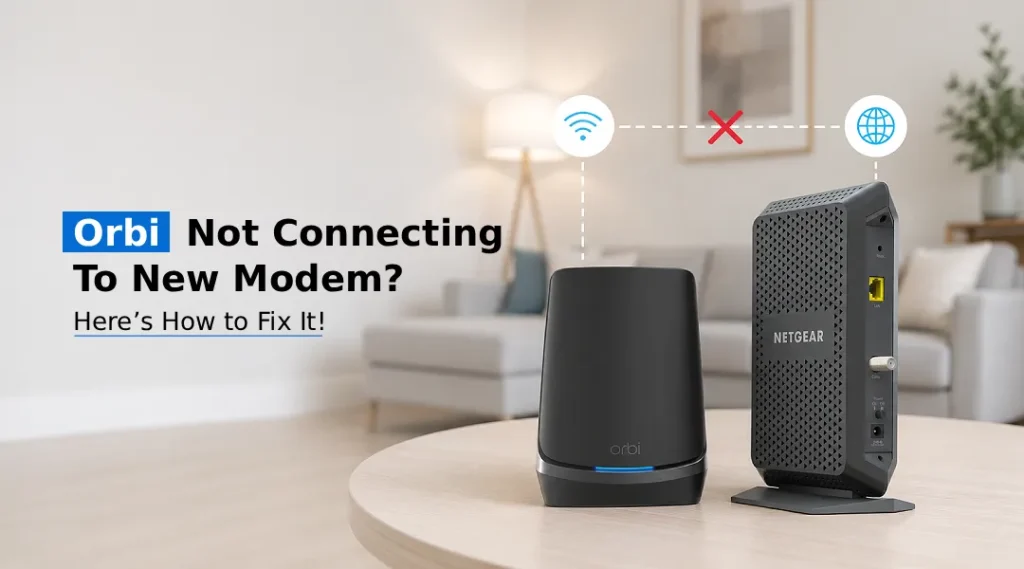
If your Orbi isn’t connecting to a new modem, start by restarting both devices in the correct order, checking the Ethernet connection to the Orbi Internet/WAN port, and confirming that the new modem is activated by your ISP.
Switching to a new modem can sometimes break the connection between your Orbi router and the internet. This guide explains how to Connect Orbi to New Modem, troubleshoot common connection problems, and complete the Orbi router setup. Whether you’re wondering why your Orbi is not connecting to a new modem or simply need step-by-step instructions on connecting Orbi to new modem, this article covers it all, including cabling, syncing, firmware checks, and the most frequently asked questions on this topic.
Why Orbi Doesn’t Connect to a New Modem
When you connect a new modem to Orbi, several things can go wrong. The new modem might not be fully activated, the Ethernet connection could be loose, or your ISP may require additional activation or configuration for the new modem. In many cases, the Orbi router itself is working perfectly fine; the issue lies in how the new modem is communicating with your internet service provider or how the two devices are physically linked.
Before diving into troubleshooting, it helps to understand that Orbi routers and cable/DSL modems are two separate devices with two separate jobs. The modem brings the internet signal into your home, while Orbi distributes that signal wirelessly. When you replace an old modem, the new modem may need to be activated by your ISP, while the Orbi router needs to establish a new internet connection through the modem.
Steps to Connect Orbi to New Modem
Follow these steps to connect your new modem to the Orbi router and restore your internet connection:
- Power everything down. Unplug your modem, Orbi router, and any satellite units from their power sources. Wait at least 60 seconds.
- Connect the modem first. Plug your new modem into the wall outlet and let it power on completely. Wait until the modem has finished starting up and shows the connection status expected for your ISP and modem model.
- Use an Ethernet cable to connect Orbi to the modem. Connect one end of a working Ethernet cable to the modem’s Ethernet port and the other end to the Orbi router’s Internet/WAN port. On models that use a yellow WAN port, use that port. Make sure the Ethernet cable is connected to the Orbi router’s Internet/WAN port rather than a LAN port.
- Power on your Orbi router. Plug in the Orbi router and allow it to finish starting up. Check the router’s LED or status information to confirm the connection.
- Power on satellite units. Once your main Orbi router is online, plug in your satellite units one at a time and allow each to sync.
- Verify through orbilogin.com. If your Orbi model supports web-based management, open a browser and enter the router’s supported local web address to access its settings. From here, you can confirm your internet connection status and run the setup wizard if needed.
Orbi Not Connecting to New Modem? Try These Fixes
If you’ve followed the steps above and you still can’t connect orbi to new modem, try the following troubleshooting methods:
- Restart in the correct order. Always power off both devices, start the modem first, wait for full activation, and then power on Orbi. Powering them on simultaneously is a leading cause of connection failures.
- Check your Ethernet cable. A damaged or loose cable is one of the most overlooked reasons Orbi won’t connect to a new modem. Swap it out with a known-working cable to rule this out.
- Confirm modem activation with your ISP. Some ISPs require you to call or use an app to activate a new modem before it will pass internet traffic. Check your provider’s activation status.
- Check ISP activation. If your ISP associates your service with a specific modem or previously connected device, the new modem may require activation or a service refresh. Follow your ISP’s instructions or contact the provider if the modem does not receive internet service. Follow your ISP’s activation instructions or contact the provider if the modem does not receive internet service.
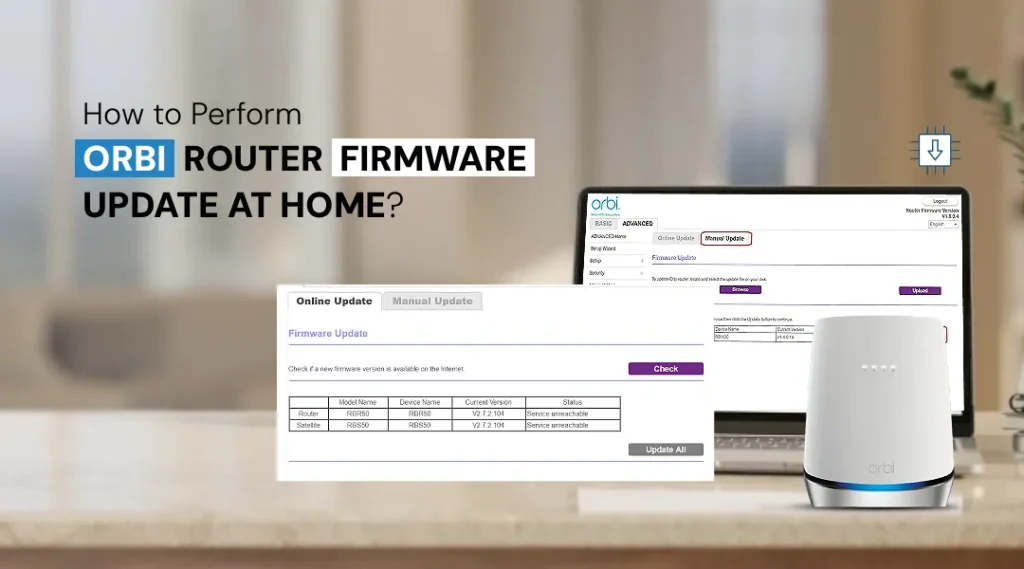
- Update Orbi firmware. Check whether your Orbi model has a firmware update available, as updates may include bug fixes, security improvements, or compatibility-related changes. Log in through orbilogin.com, navigate to Advanced settings, and check for firmware updates.
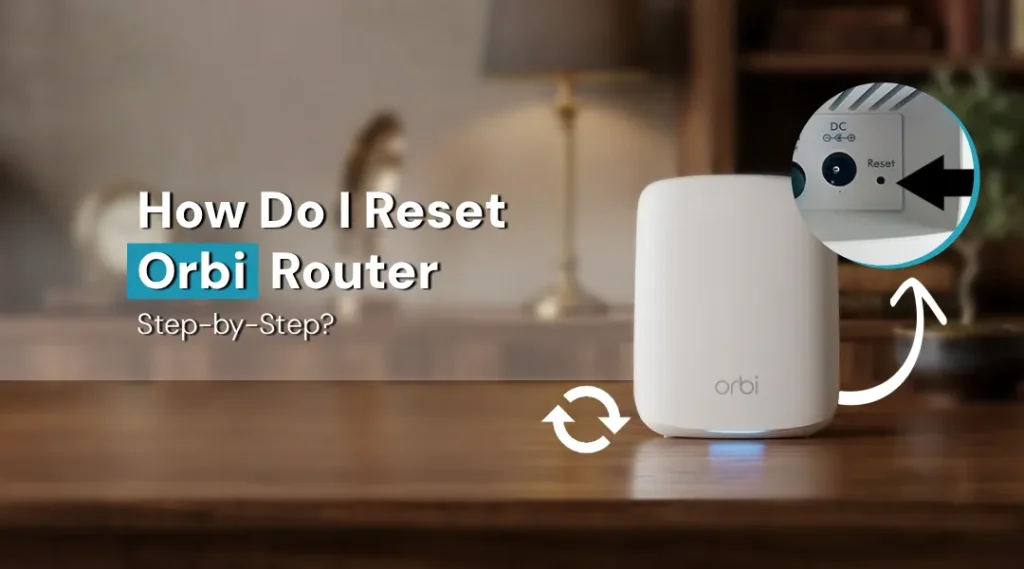
- Factory reset as a last resort. If nothing else works, reset your Orbi router to factory settings and run through the Orbi setup process again from scratch using the Orbi app or orbilogin.com.
Setting Up Orbi After Connecting to a New Modem
Once your Orbi is successfully connecting to the new modem, it’s worth revisiting your basic Orbi WiFi Router Setup to ensure everything is optimized:
- Rename your WiFi network (SSID) and password if you haven’t already
- Check that all satellite units show a solid connection light
- Run a speed test to confirm you’re getting expected speeds
- Enable automatic firmware updates to prevent future compatibility issues
- Set up a guest network if needed for visitors
Frequently Asked Questions
Do I need a new Ethernet cable when connecting Orbi to new modem?
Not necessarily, but it’s a good idea to inspect your existing cable for wear or damage. If you experience any connectivity issues, testing with a fresh, high-quality Ethernet cable (Cat5e or Cat6) is a simple and affordable troubleshooting step that rules out a common point of failure.
Why is my internet slower after I connect Orbi to new modem?
Slower speeds after a modem swap can be related to incomplete modem activation, internet-service issues, outdated Orbi firmware, network configuration, or limitations of the new modem or internet plan. Rebooting both devices in the correct order and checking for firmware updates through orbilogin.com typically resolves this.
Will connecting Orbi to new modem affect my satellite units?
Changing the modem normally does not require you to reconfigure the Orbi satellites because they connect to the main Orbi router rather than directly to the modem. If a satellite goes offline after the modem change, restart it after the main router is connected. However, if satellites lose connection, simply power-cycling them after the main router is back online usually fixes it.
Can I connect Orbi directly to an ONT instead of a modem?
Yes, with some fiber internet services, an Orbi router can connect directly to an ONT using Ethernet. Depending on your ISP, additional settings such as PPPoE credentials or VLAN configuration may be required. Some fiber setups may require additional configuration, such as PPPoE credentials, which can be entered through the Orbi setup portal.
Final Thoughts
Getting to connect Orbi to new modem is usually a quick fix once you understand the correct sequence: power down everything, start the modem first, connect via the yellow WAN port, then bring Orbi and satellites online. If problems persist, checking cables, confirming ISP activation, and updating firmware through orbilogin.com will resolve the vast majority of connection issues. Once your Orbi router setup is complete, check the internet connection and satellite status to make sure your network is working properly.