
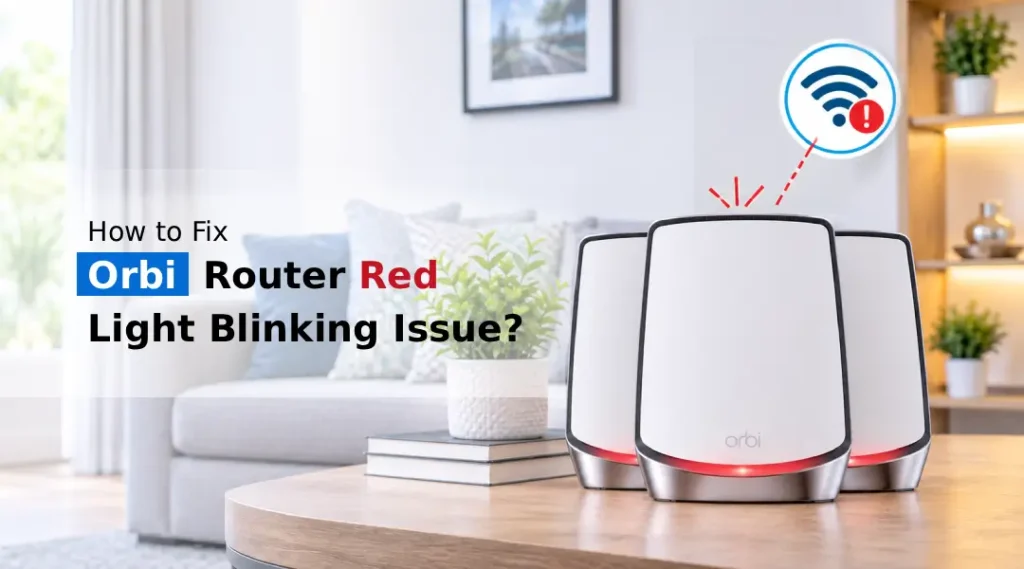
How to Fix Orbi Router Red Light Blinking Issue?
In most cases, the Orbi red light blinking problem indicates startup failure or issues with your router/satellite (depending on the
How to Fix Orbi Router Red Light Blinking Issue? Read Post »
In most cases, the Orbi red light blinking problem indicates startup failure or issues with your router/satellite (depending on the
How to Fix Orbi Router Red Light Blinking Issue? Read Post »
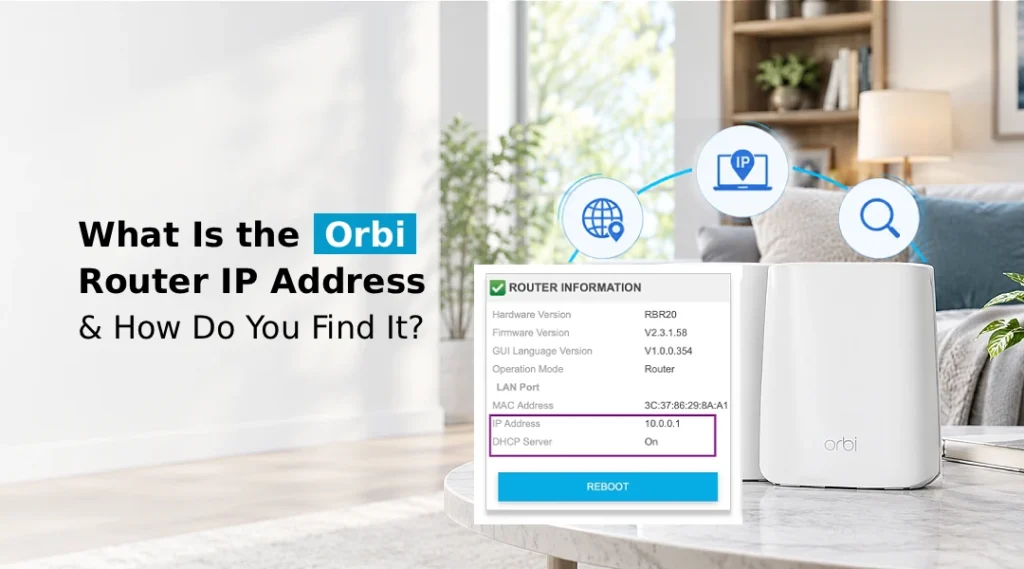
Quick overview The Orbi router IP address refers to the local network address that is used to access the administration
What Is the Orbi Router IP Address and How Do You Find It? Read Post »
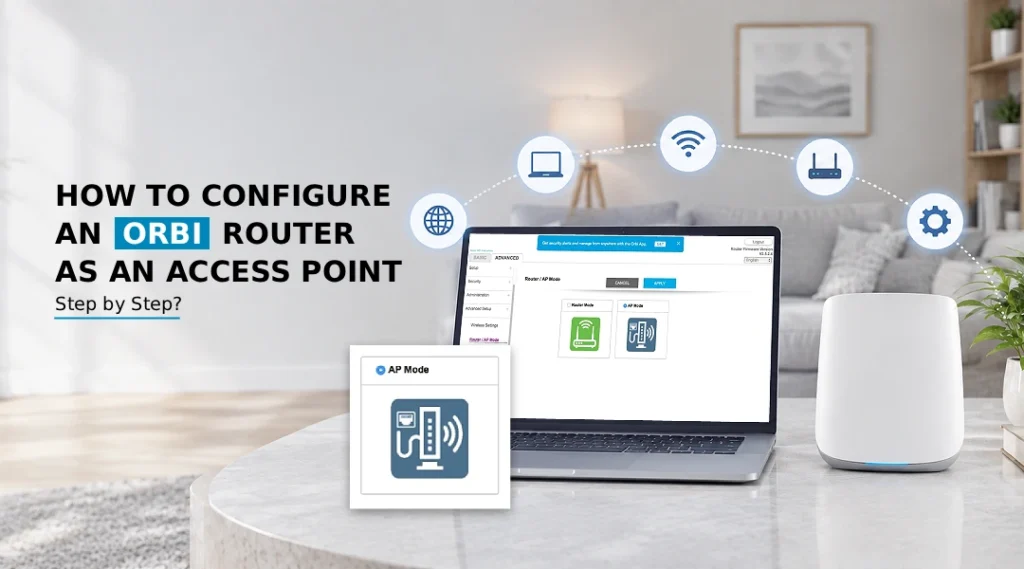
Quick Answer To get better internet coverage, use an Orbi router as access point. First, you need to open orbilogin.com
How to Configure an Orbi Router as an Access Point Step by Step? Read Post »
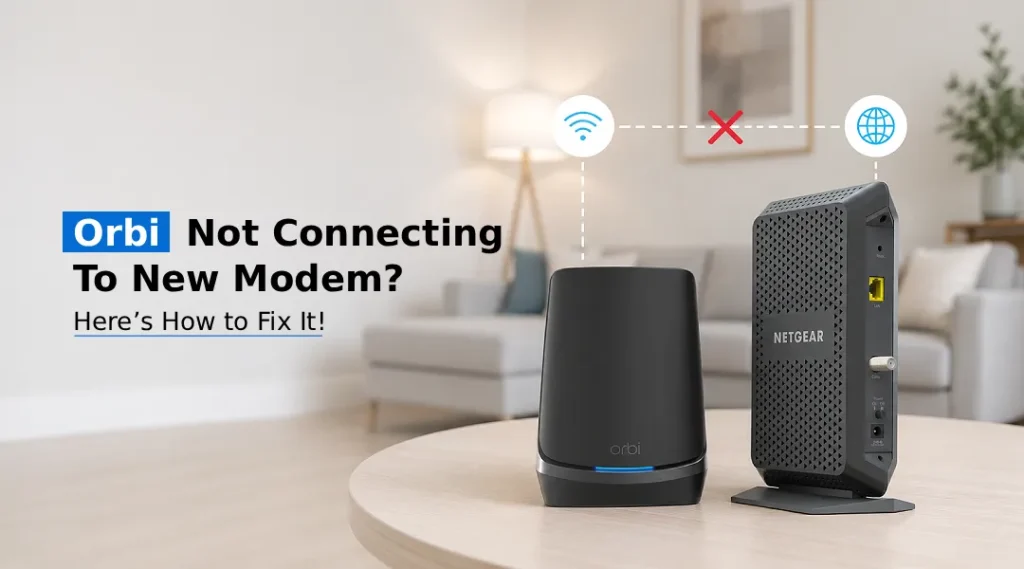
If your Orbi isn’t connecting to a new modem, start by restarting both devices in the correct order, checking
Orbi Not Connecting to New Modem? Here’s How to Fix It! Read Post »
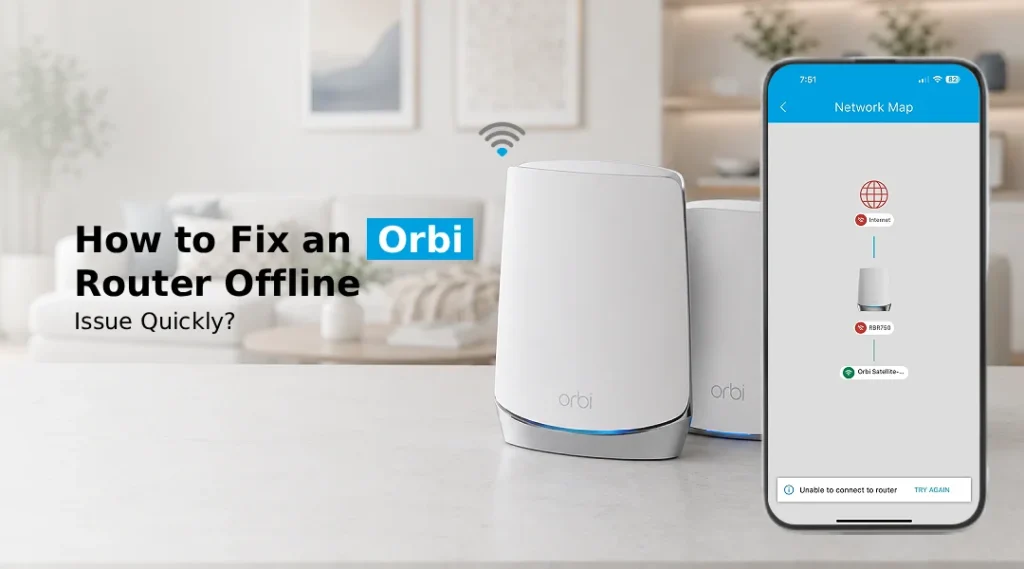
Quick Overview: An Orbi router offline issue can usually be resolved by restarting your modem and router, checking all cable
How to Fix an Orbi Router Offline Issue Quickly? Read Post »
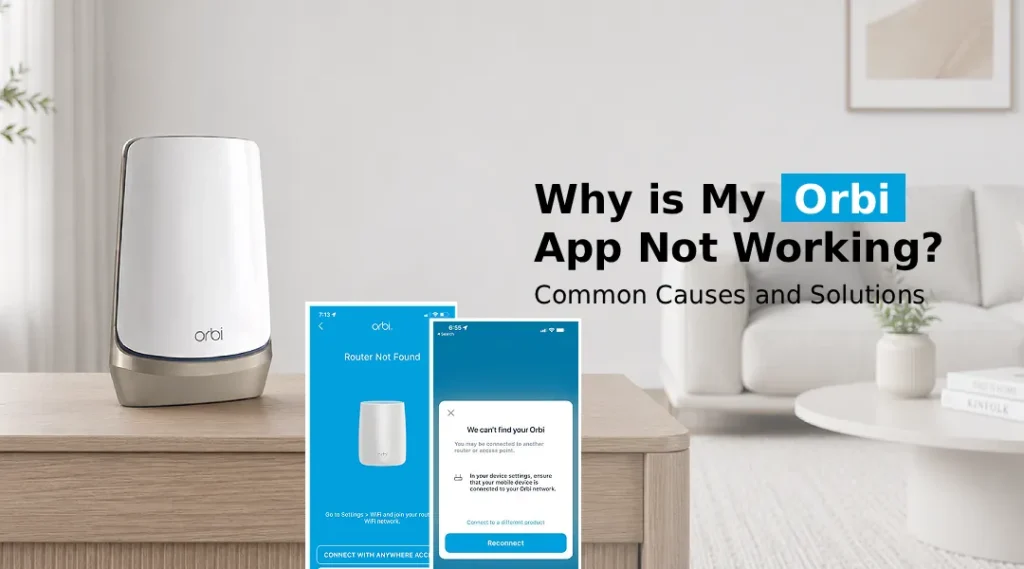
is If the Orbi app not working, restart your smartphone, check your internet connection, and update the app to the
Why is My Orbi App Not Working? Common Causes and Solutions Read Post »
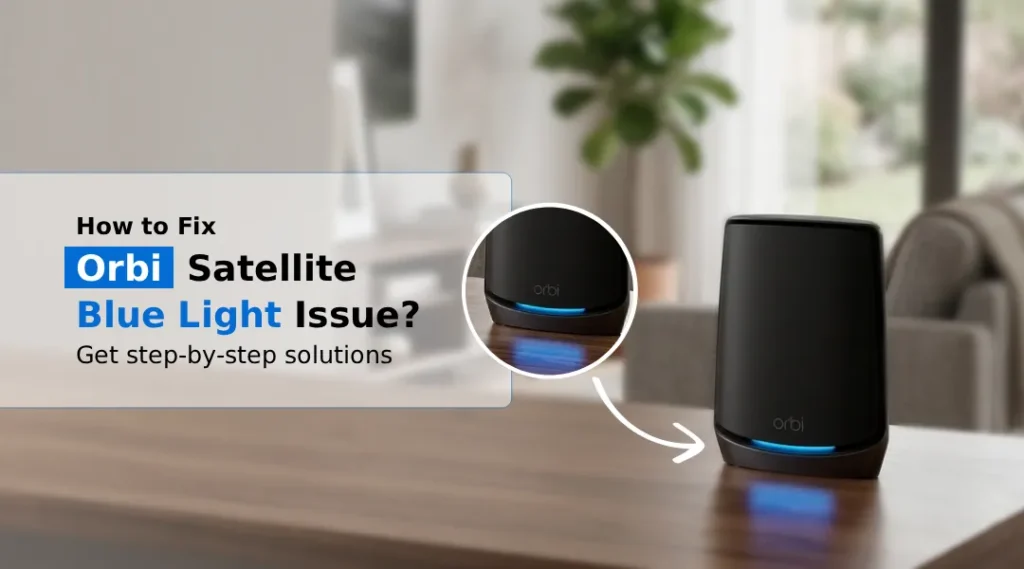
To fix the Orbi Satellite blue light issue, restart the satellite and router, check the satellite placement, and make sure
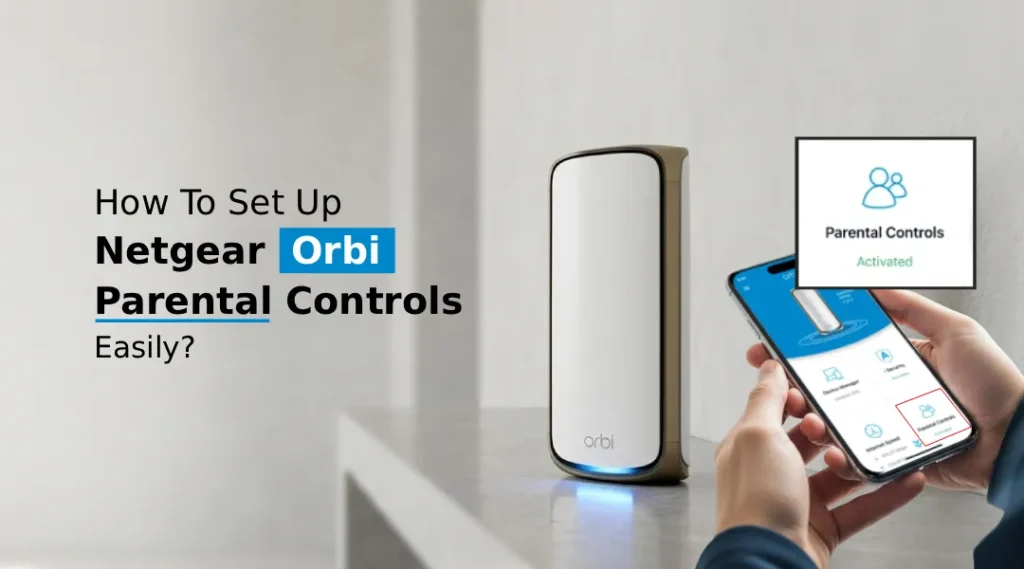
To set up Netgear Orbi parental controls easily, open the Orbi app, go to Parental Controls, and follow the on-screen
How to Set Up Netgear Orbi Parental Controls Easily? Read Post »
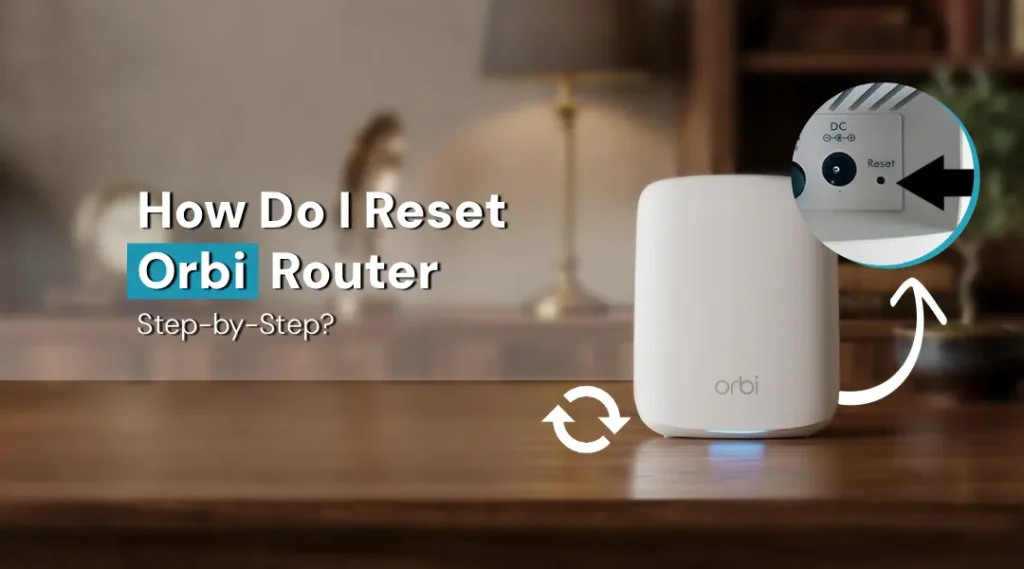
To reset an Orbi router, press and hold the reset button on the back of the router for 10–15 seconds
This will close in 0 seconds